
Sales teams manage opportunities in Salesforce. Finance runs operations in NetSuite. These two systems rarely connect directly. Someone manually enters invoice data from NetSuite into Salesforce. Another person copies order information from Salesforce into NetSuite. Delays pile up. Errors multiply. Revenue numbers never match between departments.
This disconnect creates real business problems. Forecasts become unreliable because sales and finance operate on different data sets. Teams argue over which system has the correct numbers. Manual reconciliation eats hours that should go to customers. The tools below handle this synchronization automatically, in real time, without custom code that breaks when APIs change. We evaluated each on sync speed, automation capabilities, and setup complexity.
Why Salesforce NetSuite Integration Breaks Without the Right Tool
CRM and ERP systems serve different purposes with different data models. Salesforce organizes around accounts, opportunities, and contacts. NetSuite structures data around customers, orders, and transactions. When you force them to communicate through spreadsheets or custom scripts, things get messy fast.
Custom-built integrations often start simple but become maintenance nightmares. One API update breaks the connection. The developer who built it leaves. No one understands the mapping logic anymore. Real-time sync becomes impossible because scripts run on schedules. According to our data, specialized connectors solve these problems by handling the complexity between systems permanently.
Top Salesforce NetSuite Integration Tools
The five tools below handle the heavy lifting between CRM and ERP. We looked at how they manage bidirectional data flow, what automation they offer, and how quickly you can get them running.
1. Peeklogic Connector
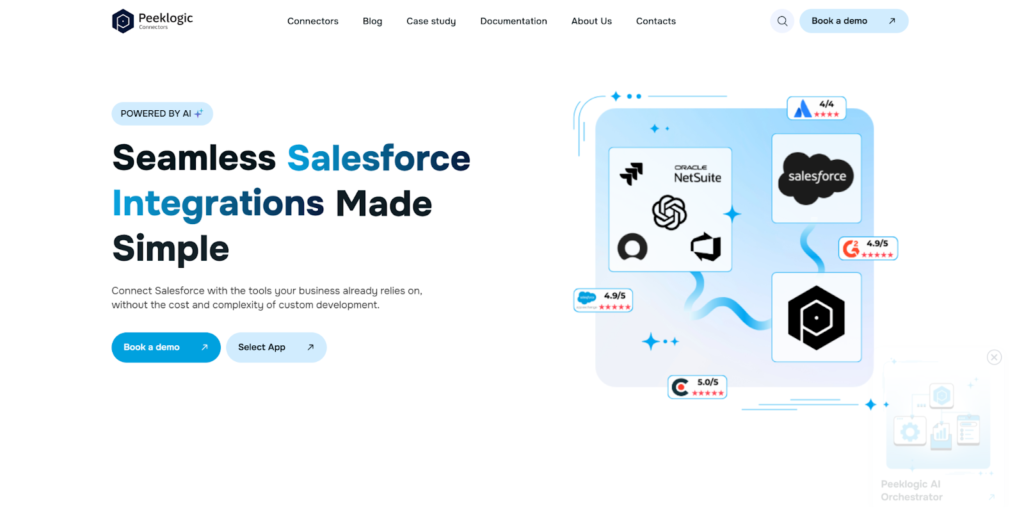
Peeklogic started as a Salesforce consulting partner in 2017 and has since delivered over 330 implementation projects. They maintain a team of 80+ specialists focused on Salesforce ecosystem integrations. Their connector product grew out of real client needs for reliable, no-code connections between Salesforce and business systems like NetSuite. The company built Salesforce NetSuite Connector to handle the specific challenges of linking CRM sales data with ERP financial records.
Capabilities and Key Features
The connector emphasizes speed of deployment and ease of maintenance. You configure field mappings through a UI, set sync rules, and let the platform handle the rest. Unlike custom scripts, this approach survives API updates without breaking. The platform includes several features that make it practical for teams without dedicated integration engineers:
- Real-time bidirectional synchronization across Salesforce and NetSuite objects;
- No-code configuration allowing setup without developer involvement;
- AI-powered automation for data routing and workflow triggers;
- Custom field mapping and flexible sync logic;
- Setup completed in under 30 minutes.
This combination of features makes the tool accessible to business users while handling the complexity that typically requires developers.
Best Use Cases
Mid-sized companies with fast deal cycles get the most value from this approach. SaaS organizations that close deals monthly and need accurate revenue recognition benefit from the real-time sync. Teams without dedicated integration resources appreciate the no-code setup and minimal ongoing maintenance.
2. Exalate
Exalate takes a decentralized approach to integration. Each system maintains its own instance and decides what data to share. This matters for organizations where security or compliance restricts how information flows between sales and finance. You can sync selected fields from Salesforce to NetSuite without exposing everything on either side.
The platform uses script-based configuration through Groovy, which gives you fine control but requires technical expertise. They’ve added AI assistance recently that helps generate scripts from natural language descriptions, reducing the barrier for non-developers. For complex data transformations and cross-company scenarios, this flexibility matters.
Capabilities
Exalate appeals to organizations with dedicated integration teams. Key capabilities include:
- Script-based customization using Groovy for precise control;
- Advanced data mapping and transformation logic;
- Decentralized sync allowing each side to control data exposure;
- Cross-instance support for multi-company scenarios;
- AI-assisted configuration that speeds up script generation.
The platform works best when you need granular control over what synchronizes and when.
Best Use Cases
Enterprises with complex data governance requirements choose Exalate. Companies that work across organizational boundaries, such as vendors syncing with clients, benefit from the decentralized model. Teams with developers available to manage the configuration get the most value.
3. Appfire
Appfire grew up in the Atlassian world. They’ve bought a bunch of companies over the years, built out a suite of tools that play nicely together. Their Salesforce connector also talks to NetSuite, which matters if you’re already using their stuff. The platform handles messy data structures and large volumes without choking. Most companies bring in their professional services team to set it up. You pay for that, but it gets done right.
Sync runs both ways. Opportunities in Salesforce map to orders, invoices, and customer records in NetSuite. Custom fields and objects work on both sides. If your organization already runs on formal approval processes and change management, this fits into that world.
Capabilities
Appfire targets larger organizations with formal integration processes. Key features include:
- Deep integration across Salesforce and NetSuite data models;
- Support for complex custom objects and field mappings;
- Enterprise-grade security and access controls;
- Scalable architecture handling high transaction volumes;
- Professional services and support included in implementation.
The platform works best when you need enterprise-level reliability and have the budget for professional services.
Best Use Cases
Large enterprises with existing Appfire tools in their stack benefit from ecosystem alignment. Organizations requiring formal SLAs and dedicated support choose this route. Companies with complex customizations on either system appreciate the implementation support.
4. ServiceRocket
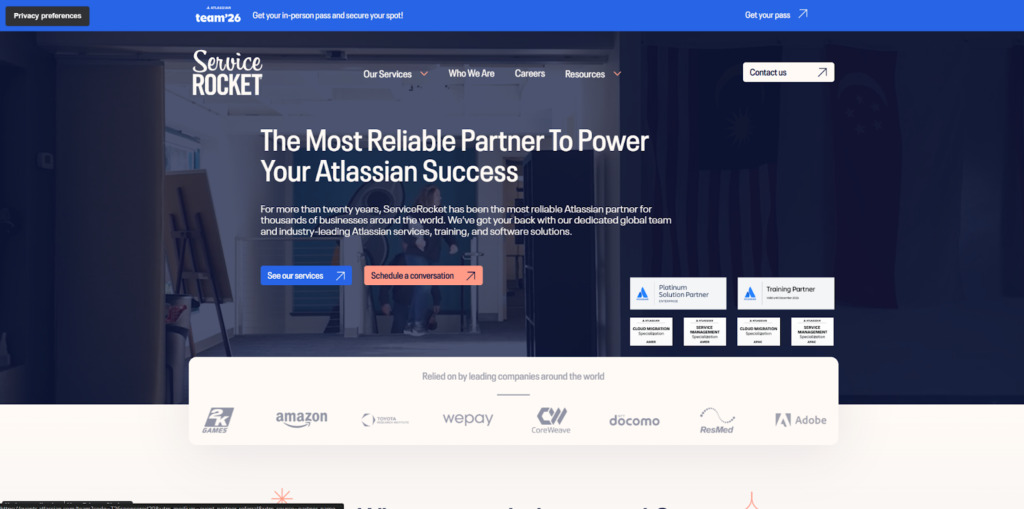
ServiceRocket operates primarily as a services organization that implements and supports integrations between business systems. Their approach combines technology with human expertise, which matters when your Salesforce or NetSuite instances have years of customizations. Off-the-shelf connectors often struggle with heavily customized environments. ServiceRocket sends in specialists who understand both platforms and can adapt solutions to your specific setup.
The company handles the entire lifecycle from assessment through implementation to ongoing support. For organizations where integration is critical but internal resources are limited, this model works well.
Capabilities
ServiceRocket differentiates through service delivery rather than software features. Key offerings include:
- Implementation services tailored to customized environments;
- Migration support from legacy integration solutions;
- Ongoing support and training for internal teams;
- SLA-backed reliability and issue resolution;
- Assessment and planning before implementation begins.
This approach fits organizations that need more than just software.
Best Use Cases
Companies with highly customized Salesforce or NetSuite instances benefit from the hands-on approach. Organizations migrating from legacy integration solutions appreciate the structured process. Teams without internal integration expertise choose this for the support coverage.
5. Zagile
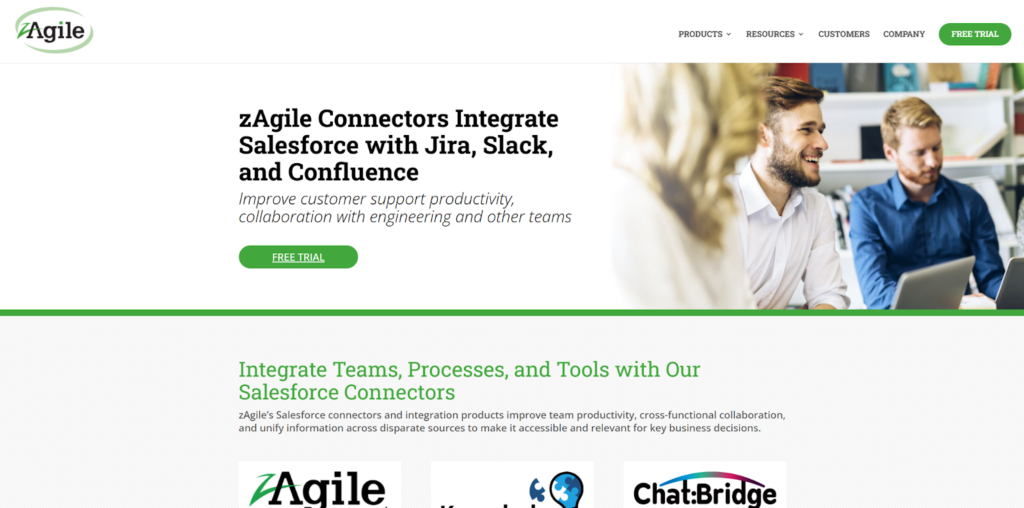
Zagile focuses on connecting business systems with an emphasis on analytics and visibility. Their Salesforce NetSuite integration includes built-in reporting that tracks data flow between systems. You can see when synchronization fails, which records have issues, and how data moves through the pipeline.
The platform emphasizes speed of deployment, with setup typically completed within hours. Case escalation features let you prioritize urgent data sync needs. For organizations where visibility into integration health matters as much as the sync itself, Zagile provides that perspective.
Capabilities
Zagile combines sync capabilities with monitoring and analytics. Key features include:
- Bidirectional synchronization with built-in monitoring;
- Analytics dashboards showing data flow and sync health;
- Fast setup completed in hours rather than weeks;
- Escalation workflows for prioritizing critical data;
- Visibility into integration performance across systems.
The analytics layer sets this apart from simpler connectors.
Best Use Cases
Organizations that need visibility into integration health choose Zagile. Teams managing multiple integrations benefit from the monitoring capabilities. Companies with formal escalation processes for data issues appreciate the workflow support.
How to Choose the Right Salesforce NetSuite Connector
The right tool depends on your organization’s specific constraints. Maybe you have developers available to manage script-based configurations. Perhaps you need to maintain strict control over which data leaves each system. Maybe you just need something working by next week without involving engineering. According to our analysts, the choice comes down to practical questions about your operating model. When comparing tools, focus on the following criteria:
- Integration type (one-way vs bidirectional sync) and whether both directions actually matter for your workflows;
- Level of customization and field mapping required for your specific objects and relationships;
- Setup complexity and time to launch, including whether business users or developers handle configuration;
- Reporting and visibility features that help you monitor integration health and troubleshoot issues;
- Security standards, including GDPR, ISO, and HIPAA compliance for regulated industries.
Start with what your team can actually support. A tool that requires developer time you don’t have won’t work regardless of its feature set.
Final Thoughts
Salesforce and NetSuite serve different purposes, but they need to agree on the same numbers. The right integration tool keeps revenue data consistent across sales and finance without creating maintenance headaches.
Peeklogic offers a balanced approach with no-code setup and real-time sync. Exalate gives you granular control at the cost of complexity. Appfire serves enterprise-scale organizations. ServiceRocket provides implementation support for customized environments. Zagile adds analytics visibility to the sync. Choose based on your team’s capabilities and how quickly you need it running. According to our data, the best integration is the one that keeps running without constant intervention.